बहुत से beginners digital marketing, content creation, SEO, social media और AI tools के बारे में सीखते हैं, लेकिन जब उनसे पूछा जाता है कि उन्होंने practically क्या बनाया है, तो उनके पास दिखाने के लिए कुछ organized नहीं होता। केवल certificate, course list या “मुझे Canva आता है” कहना पर्याप्त नहीं होता। एक practical portfolio यह दिखाने में मदद करता है कि आपने क्या सीखा, उसे कहाँ लागू किया और उससे क्या observations मिले।
Ethical Grow का learning framework है:
Learn → Practice → Build → Earn → Grow
इस article में हम समझेंगे कि beginner-friendly digital marketing portfolio क्या होता है, उसमें कौन-से projects शामिल किए जा सकते हैं और उसे original, useful तथा professional तरीके से कैसे तैयार किया जा सकता है।
Digital Marketing Portfolio क्या होता है?
Digital marketing portfolio आपके practical work का collection होता है। इसमें आपके द्वारा बनाए गए projects, content samples, strategies, reports और learning outcomes शामिल हो सकते हैं।
Portfolio में यह दिखाया जा सकता है:
- आपने कौन-सी skill सीखी
- किस problem पर काम किया
- क्या strategy अपनाई
- कौन-से assets बनाए
- किस तरह review किया
- क्या improve किया
Portfolio केवल images का folder नहीं होता। एक अच्छा portfolio आपके thinking process को भी explain करता है।
Simple Example
यदि आपने एक Instagram campaign बनाया, तो portfolio में केवल poster दिखाने के बजाय यह भी दिखाएं:
- Target audience कौन थी?
- Campaign objective क्या था?
- Content pillars क्या थे?
- कितने posts बनाए?
- कौन-से formats use किए?
- CTA क्या था?
- Analytics से क्या सीख मिली?
यही approach आपके work को अधिक meaningful बनाती है।
Beginners के लिए Portfolio क्यों जरूरी है?
1. Skill को visible बनाता है
आपने जो सीखा है, वह project के रूप में दिखाई देने लगता है।
2. Confidence बढ़ाता है
जब आप real tasks complete करते हैं, तो केवल theory पर depend नहीं रहते।
3. Communication improve होती है
Portfolio बनाते समय आपको अपने काम को explain करना सीखना पड़ता है।
4. Feedback लेना आसान होता है
Mentor, trainer या team member आपके work को देखकर specific feedback दे सकते हैं।
5. Learning journey organized रहती है
आपको पता रहता है कि किन skills पर काम किया है और किन areas में अभी practice चाहिए।
Portfolio किसी result की guarantee नहीं देता, लेकिन यह आपकी learning और practical capabilities को better तरीके से present करने में मदद कर सकता है।
Portfolio बनाने से पहले Skill Area चुनें
Beginners अक्सर एक साथ बहुत सारी services दिखाने की कोशिश करते हैं। इससे portfolio unclear हो सकता है।
शुरुआत में 1–2 primary skill areas चुनना अधिक practical हो सकता है।
Possible Skill Areas
- Social Media Content
- SEO Writing
- Canva Design
- Short Video Editing
- Content Calendar Planning
- AI-assisted Content Workflow
- Basic Analytics Reporting
- Blog Writing
- Email Content
- Local Business Promotion Content
Example Combination
Primary Skill: Social Media Content Creation
Secondary Skill: Content Repurposing
या:
Primary Skill: SEO Blog Writing
Secondary Skill: AI-assisted Research and Editing
इससे portfolio का direction clear रहता है।
Step 1: एक Demo Project चुनें
Portfolio बनाने के लिए आपको किसी real client का इंतजार करने की जरूरत नहीं है। आप एक demo project भी बना सकते हैं।
Demo Project Ideas
- Educational platform campaign
- Local coaching center content plan
- Small business social media strategy
- Personal brand launch
- Skill course promotion
- Blog-to-social media repurposing project
- Beginner SEO improvement plan
Example Project
Project Name: Beginner Digital Skills Awareness Campaign
Objective:
Digital skills सीखने के लिए beginners को useful information देना।
Audience:
Hindi-speaking students और early learners।
Formats:
Blog, carousel, reel, checklist और FAQ post।
Review:
Reach, saves और comments के आधार पर improvement notes।
एक demo project भी useful हो सकता है, बशर्ते उसे clearly “Practice Project” या “Sample Project” के रूप में label किया जाए। उसे किसी real client campaign की तरह present न करें।
Step 2: Project Brief लिखें
हर portfolio project के लिए एक short brief बनाएं।
Project Brief में Include करें
- Project name
- Problem statement
- Target audience
- Objective
- Platform
- Content format
- Timeline
- Tools used
- Expected learning
Example
Problem: Beginners digital marketing शुरू करने को लेकर confused हैं।
Audience: Hindi-speaking learners.
Objective: Basic roadmap explain करना।
Platform: Instagram और blog.
Formats: Carousel, article और reel.
Tools: Canva, spreadsheet और AI-assisted drafting.
Learning: Content structure, platform adaptation और review workflow.
यह brief आपके project को organized बनाता है।
Step 3: Portfolio में Process दिखाएं
केवल final result दिखाने के बजाय process दिखाना ज्यादा useful हो सकता है।
Process Sections
Research
आपने audience और topic कैसे समझा?
Planning
Content pillars और formats कैसे तय किए?
Creation
आपने क्या बनाया?
Review
आपने facts, language और visual quality कैसे check की?
Improvement
Analytics या feedback के आधार पर क्या बदला?
यह process आपकी practical thinking दिखाता है।
Step 4: Portfolio Project के Assets तैयार करें
अब project के actual assets बनाएं।
Example Asset List
- 1 detailed blog
- 3 social media posts
- 1 carousel
- 2 short video scripts
- 1 content calendar
- 1 analytics sheet
- 1 FAQ list
- 1 design sample
एक project में बहुत ज्यादा assets जोड़ना जरूरी नहीं है। Quality और clarity ज्यादा important हैं।
Step 5: Before और After Comparison रखें
यदि आपने किसी content या design में improvement किया है, तो before और after version दिखाना useful हो सकता है।
Example
Before:
Long headline, low contrast और unclear CTA.
After:
Short headline, readable design और topic-relevant CTA.
साथ में यह भी explain करें कि आपने बदलाव क्यों किया।
इससे portfolio केवल design gallery नहीं, बल्कि decision-making record बन जाता है।
Step 6: Metrics को सही तरीके से Present करें
यदि आपने अपना practice project publish किया है, तो analytics notes add कर सकते हैं।
Possible Metrics
- Reach
- Impressions
- Saves
- Shares
- Watch time
- Profile visits
- Website clicks
- Comments
- Completion rate
लेकिन metrics दिखाते समय context जरूर दें।
Example
“इस carousel को 4,200 accounts तक reach मिली और saves की संख्या likes से अधिक रही। इससे यह संकेत मिला कि checklist-style content audience के लिए useful था।”
ऐसा observation factual और transparent है।
यह न लिखें:
“यह post guaranteed viral हुआ।”
या:
“इस strategy से हर account grow करेगा।”
Portfolio में unsupported claims credibility को नुकसान पहुँचा सकते हैं।
Step 7: Case Study Format Use करें
एक strong portfolio project को case study की तरह present किया जा सकता है।
Case Study Structure
1. Project Overview
Project किस बारे में था?
2. Objective
आप क्या achieve करना चाहते थे?
3. Audience
किसके लिए content बनाया गया?
4. Strategy
आपने कौन-सा content approach अपनाया?
5. Deliverables
आपने क्या-क्या बनाया?
6. Review
क्या feedback या data मिला?
7. Learnings
आपने क्या सीखा?
8. Next Improvement
अगली बार क्या बेहतर करेंगे?
यह format hiring manager, mentor या potential collaborator के लिए project को समझना आसान बनाता है।
AI का Portfolio Creation में Responsible Use
AI portfolio बनाने में कई tasks को support कर सकता है:
- project brief draft करना
- content ideas generate करना
- headings suggest करना
- captions के first drafts बनाना
- FAQ questions तैयार करना
- repurposing ideas देना
- grammar review करना
- case study structure बनाना
लेकिन AI-generated work को अपना original experience बताकर present नहीं करना चाहिए, यदि आपने उसे वास्तव में review या adapt नहीं किया है।
Responsible AI Workflow
AI Draft → Human Review → Fact Check → Original Editing → Final Presentation
यदि AI का उपयोग किया गया है, तो अपनी portfolio notes में workflow को transparent तरीके से describe किया जा सकता है:
“AI का उपयोग initial ideation और outline support के लिए किया गया; final research, editing, examples और quality review manually किया गया।”
यह transparency professional practice का हिस्सा है।
Portfolio में कौन-सी गलतियों से बचें?
1. केवल Certificates दिखाना
Certificate learning का evidence हो सकता है, लेकिन practical work भी दिखाएं।
2. बहुत ज्यादा Skills List करना
जो skills आपने practically use नहीं कीं, उन्हें expert level पर present न करें।
3. Fake Client Work
Practice project को real client project की तरह label न करें।
4. Unsupported Results
Fixed income, guaranteed ranking या guaranteed growth claims avoid करें।
5. Copy किए हुए Samples
Copied designs, captions या articles portfolio की originality को कमजोर कर सकते हैं।
6. Context के बिना Screenshots
हर screenshot के साथ project context दें।
7. Design पर ही Focus
Writing, strategy, analytics और reasoning भी portfolio का हिस्सा बनाएं।
Beginners के लिए 7-Day Portfolio Challenge
Day 1: Skill Area चुनें
Social media, SEO, Canva या content planning में से एक primary area चुनें।
Day 2: Demo Project तय करें
एक educational या small business project चुनें।
Day 3: Project Brief लिखें
Audience, objective, platform और deliverables define करें।
Day 4: Assets बनाएं
एक blog, carousel या reel script तैयार करें।
Day 5: Review करें
Accuracy, design, originality और clarity check करें।
Day 6: Case Study लिखें
Problem, strategy, output और learning describe करें।
Day 7: Portfolio organize करें
Files को proper names और folders के साथ arrange करें।
Portfolio को कहाँ Store करें?
Beginners के लिए simple organization भी पर्याप्त हो सकता है।
Possible Options
- Google Drive folder
- PDF portfolio
- Personal website
- Notion-style workspace
- Admin Panel content library
- Presentation deck
- Public blog page
Folder Structure
Portfolio
→ Social Media
→ SEO Writing
→ Canva Designs
→ Video Scripts
→ Analytics Reports
→ Case Studies
File naming clear रखें:
- social-media-campaign-brief.pdf
- beginner-roadmap-carousel.png
- weekly-analytics-review.xlsx
Organization भी professional skill का हिस्सा है।
Portfolio में Bio और Skill Summary कैसे लिखें?
एक short professional summary रखें।
Example
“मैं beginner-focused digital content creation, social media planning और AI-assisted content workflows पर practice कर रहा हूँ। मेरा focus clear communication, original content और data-based improvement पर है।”
ऐसी summary realistic और honest होनी चाहिए।
यह न लिखें:
“मैं guaranteed growth expert हूँ।”
या:
“मैं हर business को निश्चित results दिलाता हूँ।”
Portfolio में clarity और credibility सबसे important हैं।
Learn → Practice → Build → Earn → Grow
Learn
Social media, SEO, analytics, content creation और AI workflow की fundamentals समझें।
Practice
Demo projects और छोटे daily tasks पर काम करें।
Build
Projects, case studies और sample assets के साथ portfolio बनाएं।
Earn
जब skills, communication और portfolio develop हो जाएँ, तो legitimate opportunities explore की जा सकती हैं।
Grow
Feedback, analytics और नए tools से अपने work को लगातार improve करते रहें।
Portfolio एक final destination नहीं है। यह आपकी ongoing learning journey का record है।
FAQ: Digital Marketing Portfolio
क्या beginners को portfolio बनाने के लिए real client जरूरी है?
नहीं। Practice project, personal project या demo campaign से शुरुआत की जा सकती है। बस उसे clearly practice work के रूप में label करें।
Portfolio में कितने projects होने चाहिए?
Quality और clarity quantity से ज्यादा important हैं। शुरुआत में 2–4 well-explained projects पर्याप्त हो सकते हैं।
क्या certificate portfolio के लिए काफी है?
Certificate useful हो सकता है, लेकिन practical samples और process explanation portfolio को ज्यादा meaningful बनाते हैं।
क्या AI-generated work portfolio में दिखा सकते हैं?
हाँ, यदि आपने उसे review, edit, verify और adapt किया है। AI use को transparent रखना बेहतर है।
क्या portfolio से guaranteed work मिलेगा?
नहीं। Portfolio आपकी skills को present करने में मदद करता है, लेकिन opportunities कई factors पर depend करती हैं।
क्या portfolio केवल designers के लिए होता है?
नहीं। Writers, SEO learners, video editors, social media planners और analysts भी portfolio बना सकते हैं।
आज का Practical Action Plan
आज यह छोटा project पूरा करें:
- एक skill area चुनें।
- एक demo project define करें।
- एक project brief लिखें।
- कम से कम तीन sample assets तैयार करें।
- एक short case study लिखें।
- Files को organized folder में रखें।
- अपने learnings और next improvement note करें।
यह exercise आपकी learning को visible और structured बनाना शुरू करेगी।
निष्कर्ष
Digital marketing portfolio केवल सुंदर designs या screenshots का collection नहीं है। यह आपकी skill, process, decision-making और improvement mindset को दिखाने का माध्यम है।
एक useful beginner portfolio में शामिल हो सकते हैं:
- Project brief
- Audience profile
- Content strategy
- Sample assets
- Analytics notes
- Case study
- Learning outcomes
- Next improvement plan
Ethical Grow के framework के अनुसार:
Learn करें → Practice करें → Projects Build करें → Legitimate Opportunities Explore करें → लगातार Grow करें।
Portfolio बनाने का उद्देश्य unrealistic promises देना नहीं, बल्कि अपने वास्तविक work और learning को professional तरीके से present करना है।
जब आप original projects बनाते हैं, उन्हें clearly explain करते हैं और feedback के आधार पर improve करते हैं, तो आपका portfolio आपकी digital learning journey का practical evidence बन जाता है।
SEO Details
SEO Title:
Digital Marketing Portfolio कैसे बनाएं? Beginners के लिए Practical Project Guide
Meta Description:
Beginners के लिए digital marketing portfolio बनाने का practical guide पढ़ें। Demo projects, case studies, AI use, analytics और skill showcase workflow समझें।
Primary Keyword:
digital marketing portfolio for beginners
Secondary Keywords:
portfolio कैसे बनाएं, digital marketing project ideas, beginner case study, social media portfolio, SEO portfolio guide, AI content portfolio
Suggested URL Slug:
digital-marketing-portfolio-beginners-guide
Suggested H1:
Digital Marketing Portfolio कैसे बनाएं? Beginners के लिए Practical Project और Skill Showcase Guide
Suggested Internal Links:
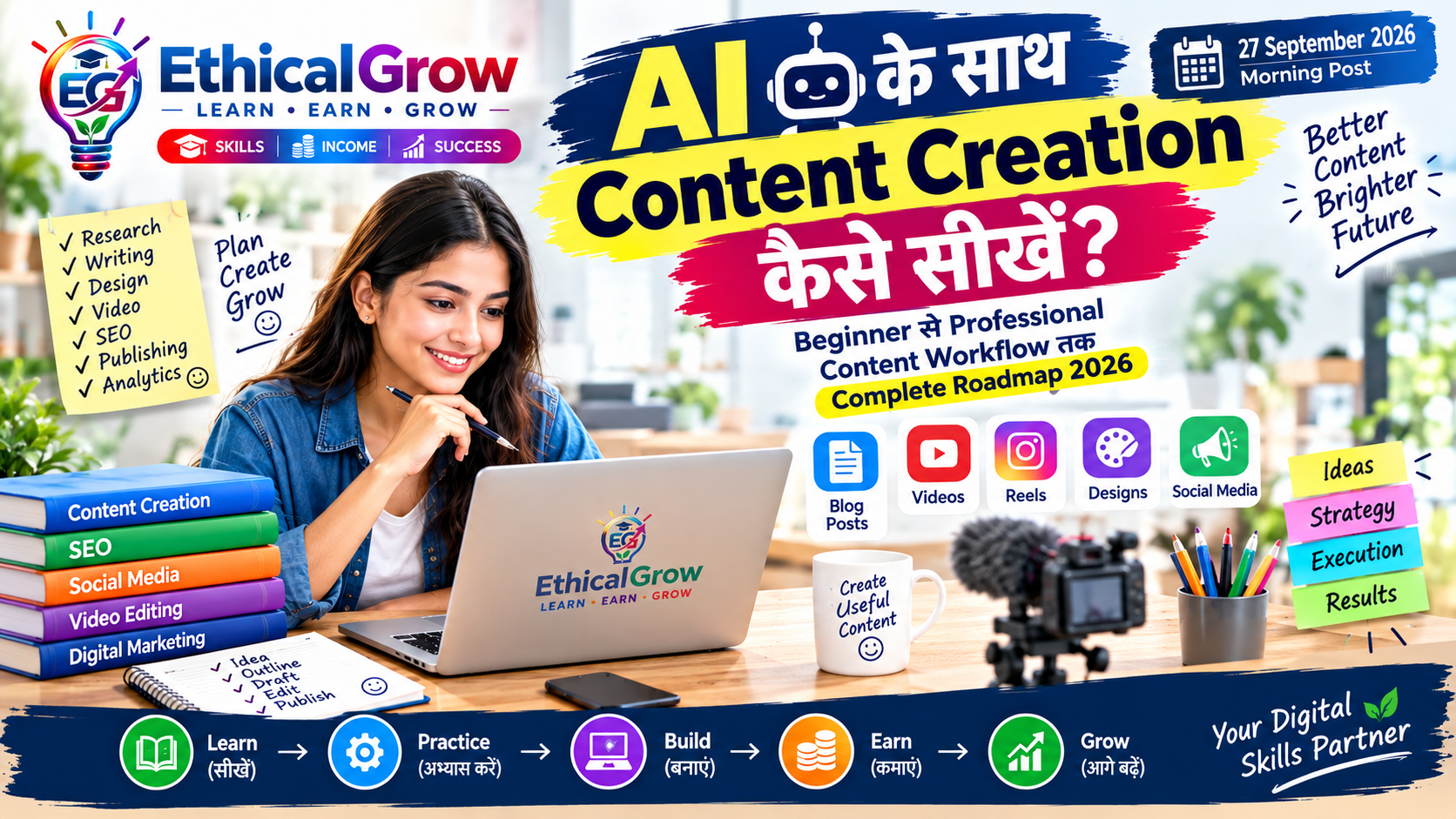
- AI की मदद से Social Media Content कैसे बनाएं?
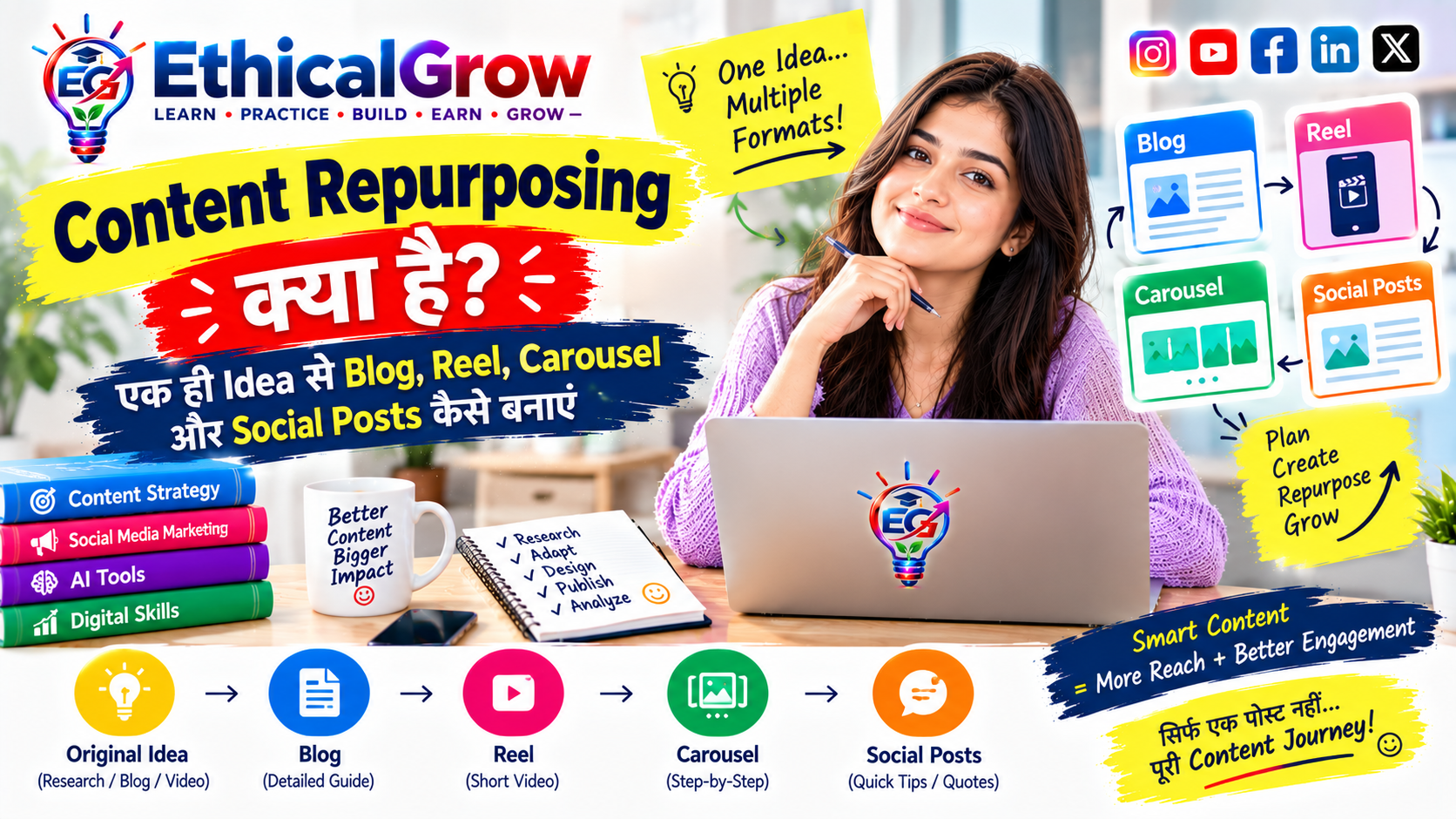
- Content Repurposing क्या है?
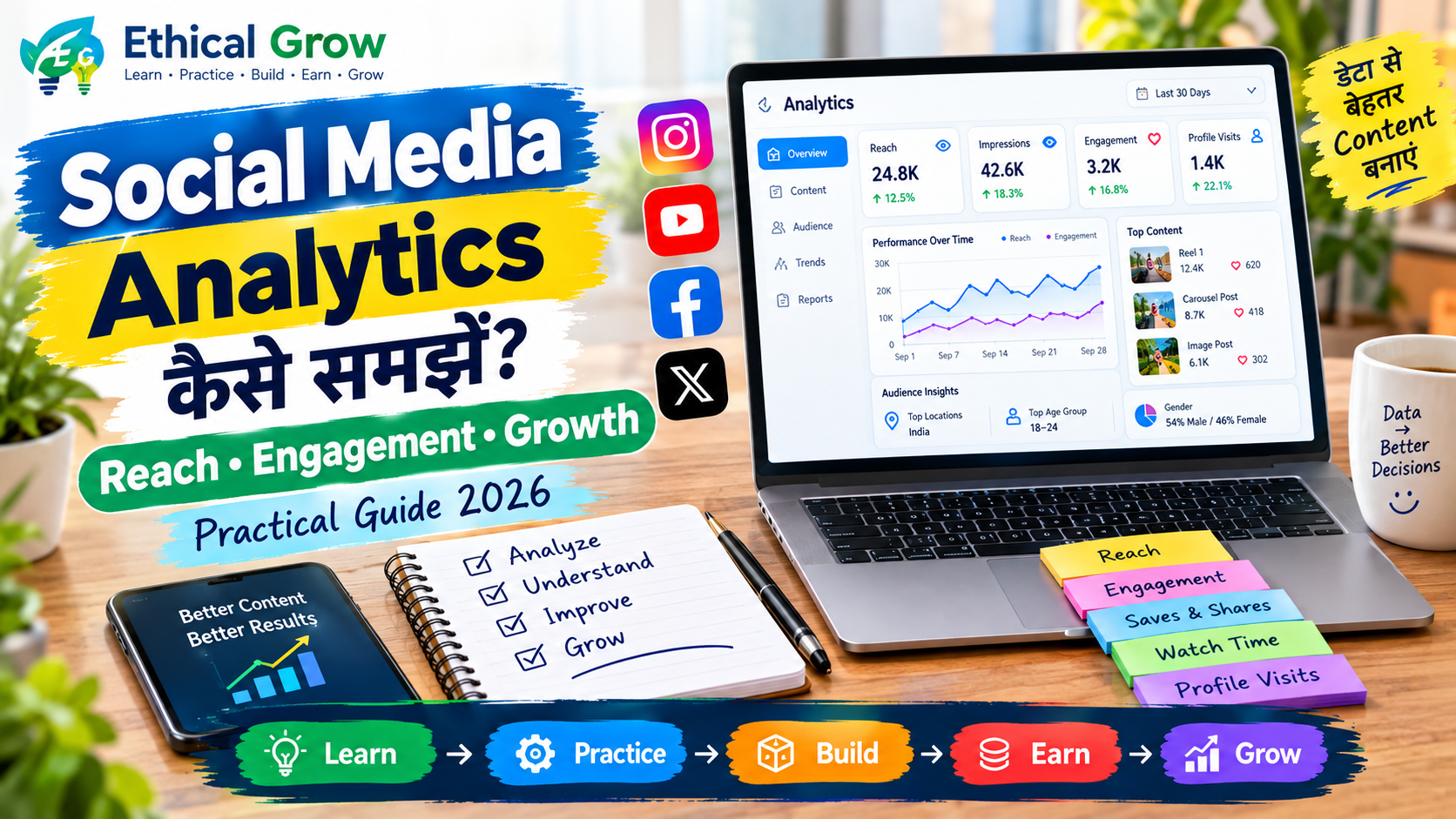
- Social Media Analytics कैसे समझें?
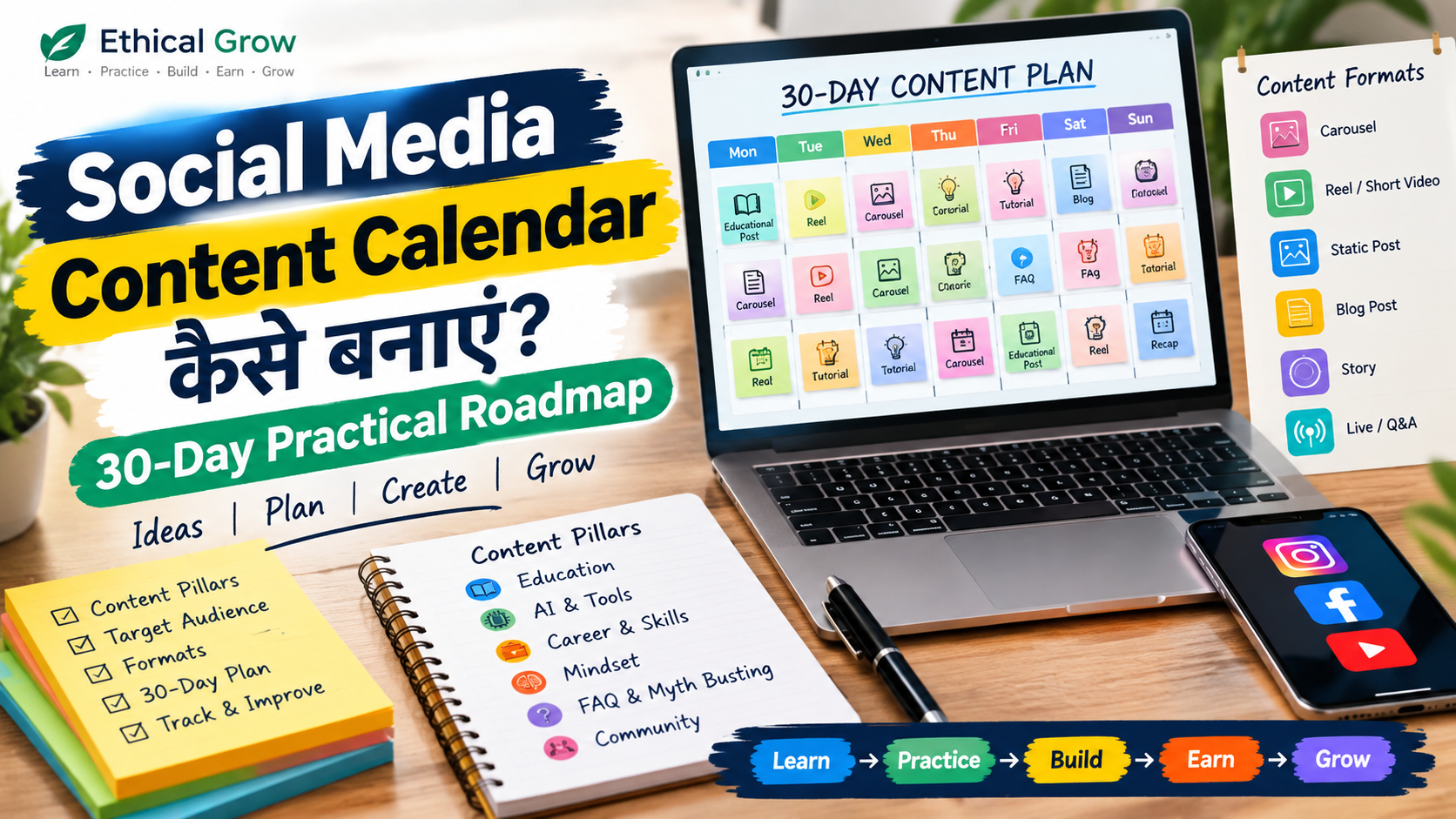
- Social Media Content Calendar कैसे बनाएं?
- 2026 में Social Media Marketing कैसे सीखें?
Suggested Image Alt Text:
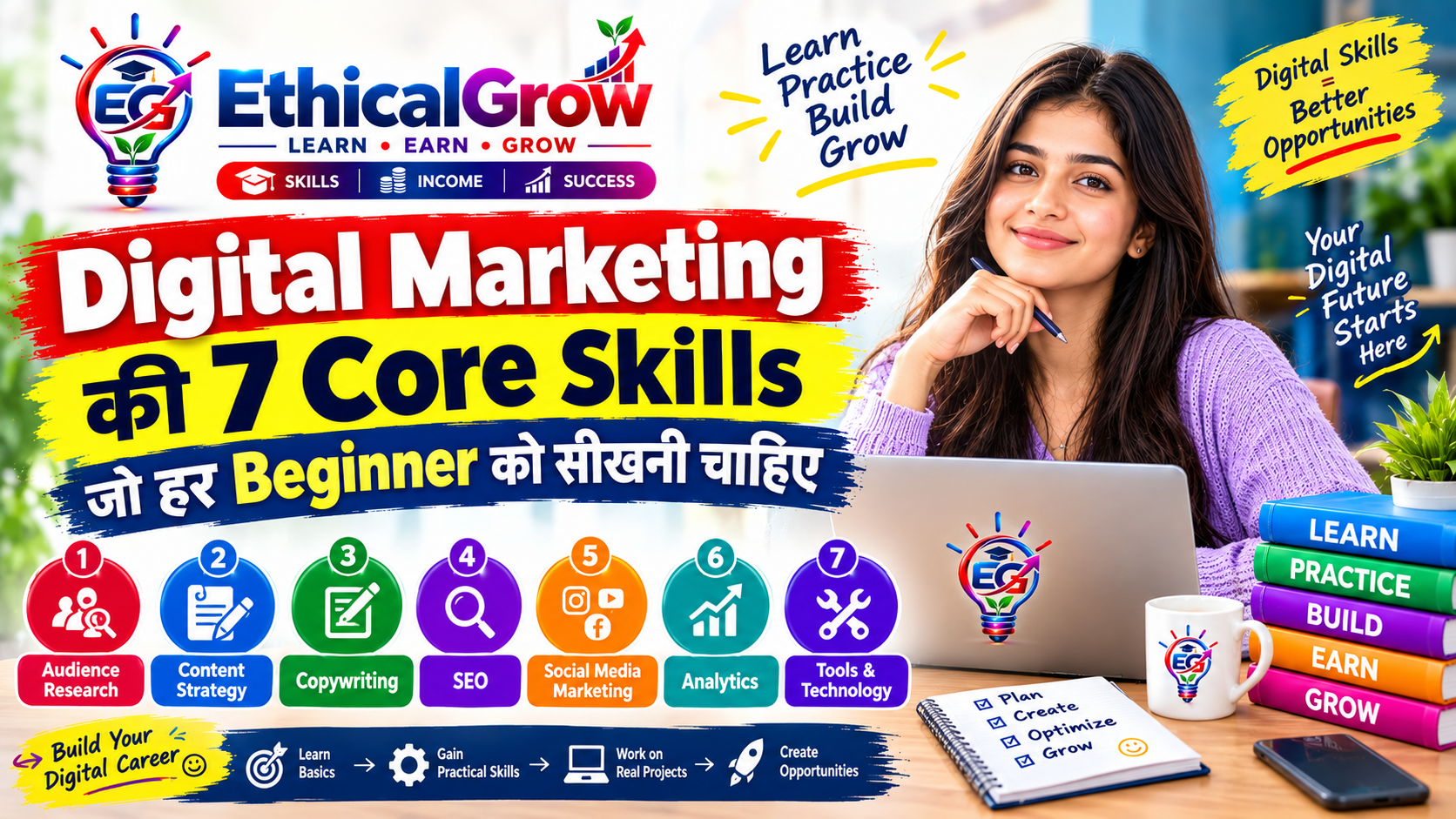
Beginners के लिए digital marketing portfolio और practical project case study guide